Help Center
The Help Center provides admin users with access to assistance and learning resources for using the Utter system.
Clicking the Help Center option takes the admin user to the Frequently Asked Questions (FAQs) section. It also provides access to a video section that helps users understand the system more easily.
Step 1 — Open the Help Center
From the available account/profile options, click Help Center.
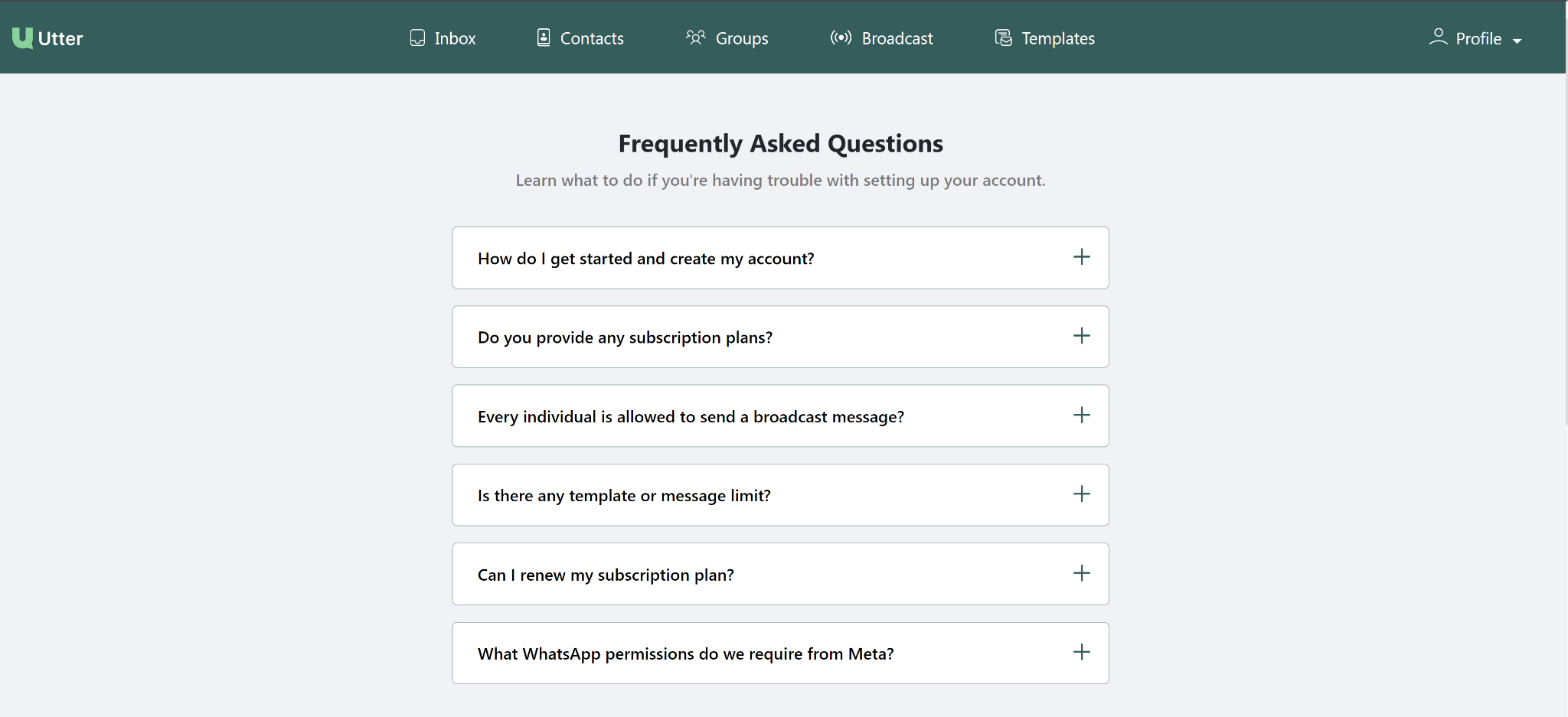
Step 2 — Browse Frequently Asked Questions
After selecting Help Center, you are guided to the Frequently Asked Questions (FAQs) section.
Use the FAQs to find answers and assistance related to the Utter system.
Step 3 — Watch help videos
The Help Center also provides a video section.
Use the videos to help you understand how the system works and how to use its functionality.
If you are unfamiliar with a feature, check the FAQs and available help videos for guidance.
Quick reference
| Help Center option | Purpose |
|---|---|
| FAQs | Provides frequently asked questions and assistance |
| Video Section | Helps users understand the system through videos |
Need more detail?
The provided Help Center document only describes access to the FAQs and video section. It does not provide individual FAQ topics, video titles, or detailed workflows for either section.